
August 25, 2026
Case Study: How Levamour Scales Its Own Online Shop with Idealo Repricing
From TikTok Shop to their own online store with Idealo traffic: how perfume retailer Levamour doubled its conversion rate with automated repricing.
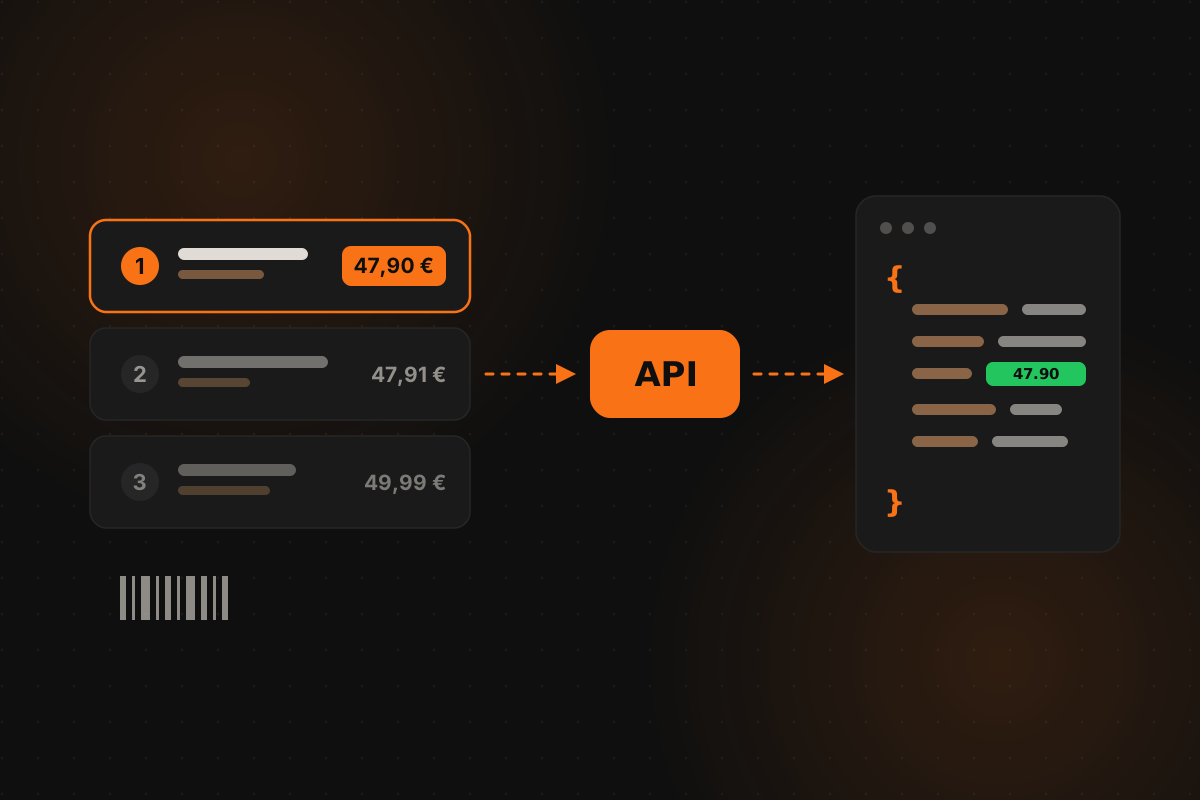
Price scraping means extracting competitor prices from websites automatically — from marketplaces, price comparison sites, or individual shops — and turning them into structured data you can act on. Retailers use it to monitor competitors, feed repricing logic, and build pricing dashboards; analysts use it to track markets over time.
The question is rarely whether to collect price data. It’s how: build a price scraper yourself, or pull the same data from a ready-made price data API? This guide walks through what building a scraper actually involves — selectors, proxies, bandwidth, bot detection — what it costs to keep one alive, and where an API is simply the shorter path. As a worked example we’ll use Idealo, the price comparison site that dominates the German-speaking market and one of the harder targets to scrape.
A price scraper is a program that loads a product page, finds the price data in the HTML, and stores it in a structured format. Run it across your catalog on a schedule and you get a feed of competitor prices: who offers the product, at what price, with what shipping cost, in which position.
Typical uses:
For all of these, the value is not one price at one moment. It’s a reliable stream of prices, day after day — and reliability is exactly where self-built scrapers get expensive.
The core idea is simple, and a first prototype takes an afternoon. Getting from there to a dependable data pipeline is the hard part. Here are the building blocks in order.
At its core, a scraper downloads a page’s HTML and pulls out values with CSS selectors — Cheerio in JavaScript, Beautiful Soup in Python. In principle it looks like this:
import * as cheerio from "cheerio";

const html = await fetch(
  "https://www.idealo.de/preisvergleich/OffersOfProduct/201846460"
).then((r) => r.text());

const $ = cheerio.load(html);

$('[class*="productOffers-listItem"]').each((i, el) => {
  const shop = $(el).find('[class*="OfferShop"]').text().trim();
  const price = $(el).find('[class*="OfferPrice"]').first().text().trim();
  console.log(i + 1, shop, price);
});
The selectors here are deliberately written as patterns, because this is where the maintenance starts: sites change their markup constantly. Class names rotate, elements get nested differently, offer blocks get rebuilt. Every such change breaks the scraper — usually silently, until someone checks the data quality. Keeping selectors current becomes an ongoing chore, not a one-time task.
Send many requests from one IP address and you get blocked quickly. Scrapers therefore spread requests across rotating proxies, so every request (or session) arrives from a different IP.
There are two classes of proxy, and the difference matters:
For a hardened target like Idealo, datacenter IPs get you nowhere; residential proxies are effectively mandatory. That single fact reshapes the economics of the whole project.
Once you pay for every gigabyte, every needlessly loaded byte becomes a cost line. A product page pulls in images, fonts, stylesheets, and scripts — several times the data volume the scraper actually needs. Production scrapers therefore block every resource except the HTML document itself, which keeps the cost per scraped listing tolerable. It also adds another moving part: the fetch now has to run through a controllable browser or a request interceptor.
Even with clean selectors, residential proxies, and trimmed bandwidth, the biggest risk remains. Major retail and comparison sites sit behind dedicated bot-detection systems — Idealo, for example, is protected by Akamai, one of the most sophisticated on the market. These systems score far more than the IP address: browser characteristics, connection fingerprints, behavioral patterns. Suspicious clients get served challenges a simple scraper cannot pass.
The critical part: this detection keeps evolving. A scraper that runs reliably today can be blocked across the board next week because a new detection pattern rolled out — unannounced, with not a line of your own code changed. Realistically, scraping a protected site is not a project you finish but a race with an open end: it works until it gets detected, and then the work starts over.
By the end, a self-built price scraper is four construction sites at once: maintaining selectors, running and paying for a residential proxy pool, optimizing bandwidth, and reacting to every shift in bot detection. Each one is solvable. All four together are a permanent engineering project — for a result that can still fail at any moment. For a hobby project covering a handful of products, that trade can be fine. Once price data feeds business processes, the math flips.
The build-or-buy question comes down to who carries the operational risk:
| Self-built scraper | Price data API | |
|---|---|---|
| Setup | days to weeks | first request in minutes |
| Selector changes | your problem, silently breaks data | provider’s problem |
| Proxies & infrastructure | you run and pay for them | included |
| Bot-detection changes | can stop the pipeline any day | provider’s problem |
| Cost model | fixed costs, whether data flows or not | pay per successful result |
| Data validation | build it yourself | delivered validated |
A scraper gives you full control and no per-request fees — as long as you staff the maintenance. An API turns price data into a utility: you send an identifier, you get structured JSON back, and you pay only when a result arrives.
The PricePirate Price Data API delivers merchant offers from European marketplaces as structured JSON — no scraper, no proxy pool, no bot-detection arms race on your side. Failed lookups cost nothing; billing is per successful result.
Idealo is its most built-out source, covering six countries (Germany, Austria, Spain, France, Italy, and the UK) with five lookup operations:
| Operation | Input | Typical use |
|---|---|---|
search-by-gtin | EAN / GTIN / UPC | Look up your own products unambiguously |
search-by-id | Idealo product ID | Re-query known listings on a schedule |
search-by-term | Search term | Discover listings for a product first |
search-by-url | Idealo product URL | Resolve listings from existing links |
shop-info | Idealo shop ID | Shop profiles with ratings and top products |
Beyond Idealo, the same request logic covers Google Shopping (29 countries), Amazon (13 countries), Klarna (12 countries), and Allegro (Poland) — one API for competitor prices across channels.
One point of frequent confusion, since “Idealo API” searches usually land there: Idealo’s own merchant interface (PWS) manages your own offers — it uploads your products and prices to Idealo. It does not answer the competitive question of what every other merchant offers on a listing, and no public Idealo interface does. For the competitive view, a price data API is the only ready-made option.
Want price data without the maintenance? Try the Idealo Price Data API on Apify — free starter quota, up to 50 products per run, no setup.
In most cases, the barcode is the most practical entry point: every retail product carries a GTIN (8–14 digits, compatible with EAN, UPC, and JAN), and it already sits in your inventory system or Shopify export. A GTIN lookup maps your products to the right listings unambiguously — no fuzzy title matching, no manual list curation.
Not every product has a dedicated product page on the target marketplace, though. When a barcode lookup lands on a search or category page instead, an AI model checks every found offer against verified product data: each offer then carries a classification — such as same_variant, different_product, or multipack — with a confidence level. Products that used to come back empty return usable results, and you decide how strict the matching needs to be.
A request is three fields — up to 50 values at once:
{
  "operation": "search-by-gtin",
  "values": ["4009803341163", "4014835778306"],
  "country": "de"
}
Each value returns one result: the product with name, image, and price range, plus every visible offer. Trimmed down, it looks like this:
{
  "product": {
    "name": "Example product 500 ml",
    "ean": "4009803341163",
    "url": "https://www.idealo.de/preisvergleich/OffersOfProduct/201846460"
  },
  "offers": [
    {
      "shop_name": "exampleshop.de",
      "position": "1",
      "price": 47.9,
      "shipping": 4.95,
      "total": 52.85,
      "currency": "EUR",
      "shop_review_rating": 4.8,
      "shop_review_count": 1243,
      "availability_text": "In stock",
      "classification": "same_variant"
    }
  ]
}
Item price, shipping, and total come back separately. On Idealo that distinction matters more than it looks: the offer list is sorted by item price, while the total including shipping is only highlighted next to each offer — so position and the number a buyer compares are two different things, and you need both for any serious analysis. (Why that position is worth so much revenue is covered in our Idealo repricing guide.)
For merchants, yes — the PWS, which manages your own offers on Idealo. A public API for the competitive view — every offer on a listing with prices and positions — does not exist, from Idealo or from the other European comparison sites. That data layer is what a price data API provides.
With PricePirate you pay per successful result; failed lookups cost nothing. A free starter quota lets you test it, and current terms are on the Apify listing. For high volumes and direct integration, enterprise terms start at €615 per month.
No. A free Apify account is enough to send your first request within minutes. The API is also available on RapidAPI.
Yes — that’s the standard pattern for price monitoring: resolve your products once by GTIN, then re-query the listings on a schedule via search-by-id and store the results. Every lookup fetches the listing live, so there is no cached dataset going stale.
Building a price scraper teaches you a lot about proxies and bot detection — and commits you to maintaining all of it, indefinitely, against defenses that keep improving. If what you actually need is reliable competitor price data, an API is the shorter and more predictable path:
And if you don’t just want to read prices but adjust your own automatically, that’s exactly what Idealo repricing with PricePirate is for.
PricePirate is an independent product of UCX Media and has no business, partnership, or other affiliation with idealo internet GmbH.
August 25, 2026
From TikTok Shop to their own online store with Idealo traffic: how perfume retailer Levamour doubled its conversion rate with automated repricing.
June 05, 2026
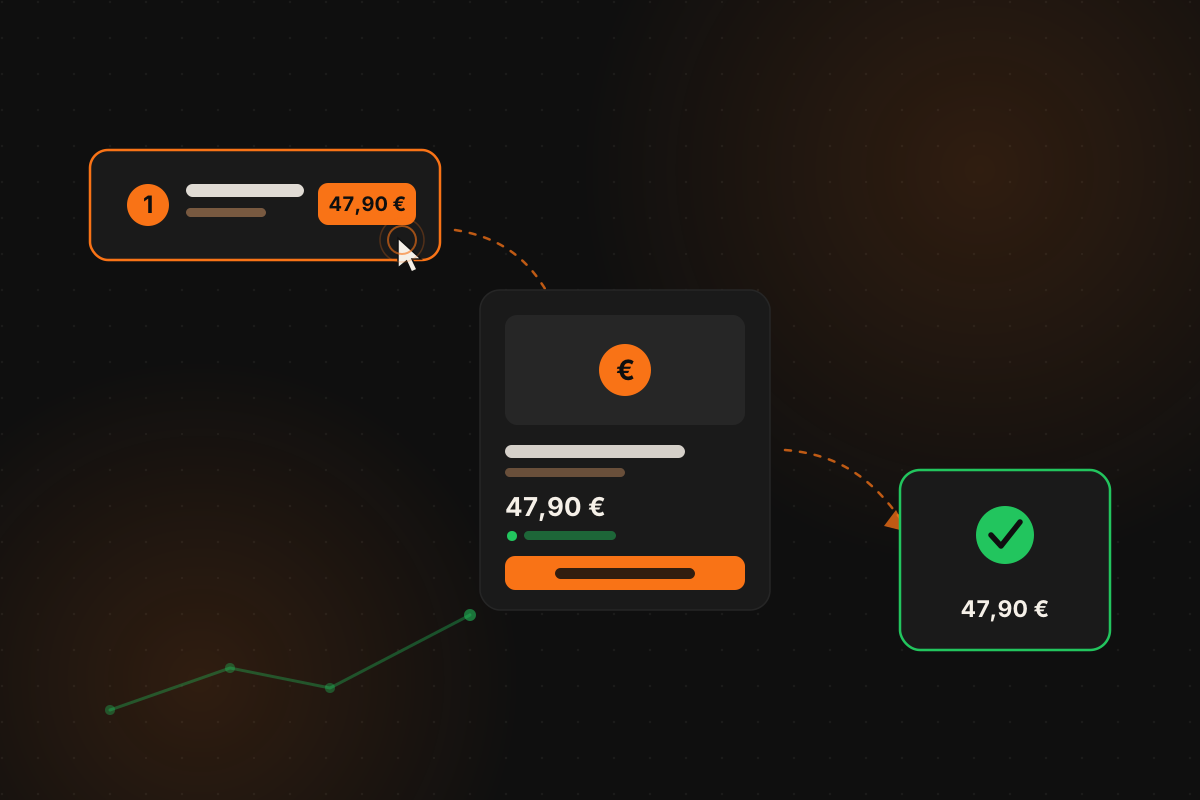
Paying for Idealo clicks that don't convert? How price position, price parity, your product page, and checkout decide whether German shoppers buy – with benchmarks vs. Google Shopping.
May 29, 2026
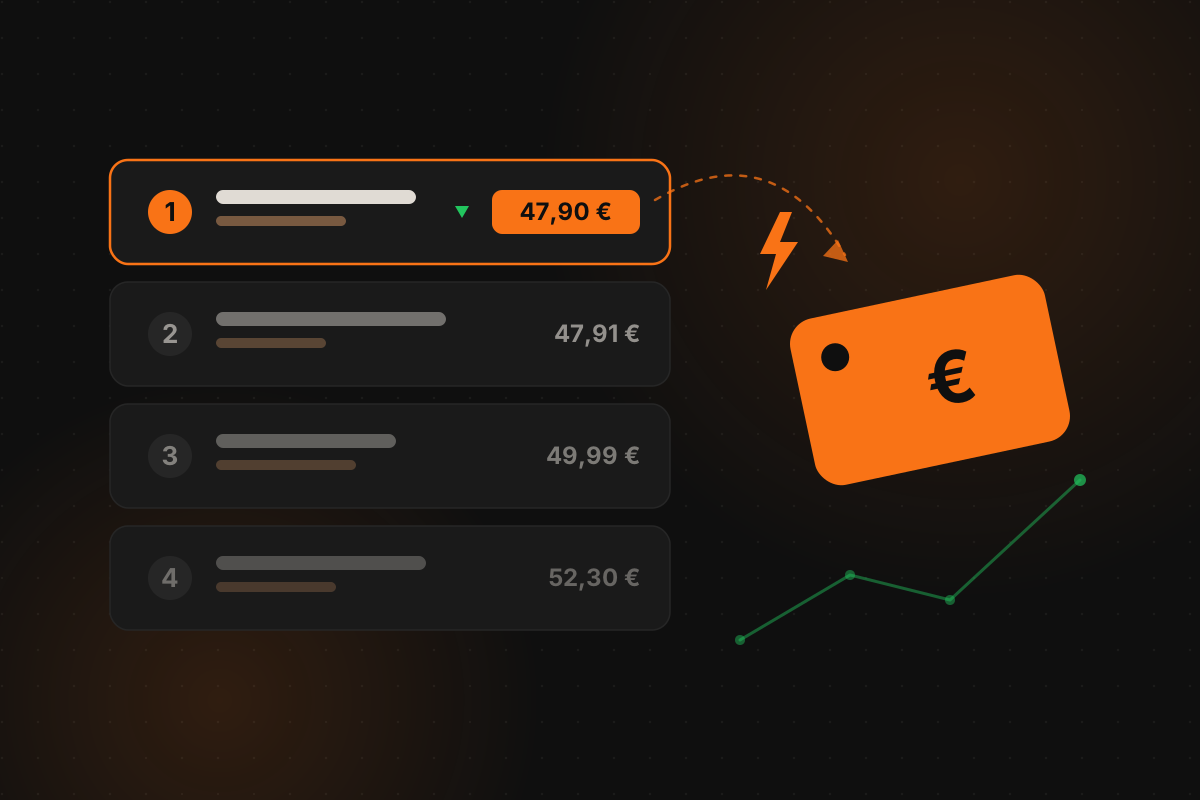
Selling into Germany? How repricing works on Idealo: the price-only ranking, proven strategies, minimum prices – and the tooling international sellers need.