const API = 'https://api-v2.pricepirate.com/api/jobs';const headers = { 'Content-Type': 'application/json', 'x-api-key': process.env.PRICEPIRATE_API_KEY,};// 1. Create a job: up to 1,000 EANs per job, 1 credit per EANconst { job_id } = await fetch(API, { method: 'POST', headers, body: JSON.stringify({ source: 'idealo', operation: 'search-by-gtin', country: 'de', queries: ['4013474101469'], }),}).then(res => res.json());// 2. Poll the job until it is done (completed or failed)let job;do { await new Promise(resolve => setTimeout(resolve, 3000)); const res = await fetch(`${API}/${job_id}`, { headers }); job = await res.json();} while (job.status === 'pending');// 3. Read the results: one entry per EAN with every offerfor (const item of job.results) { const offers = item.result?.offers ?? []; console.log(item.query, item.status, offers.length);}
import osimport timeimport requestsAPI = "https://api-v2.pricepirate.com/api/jobs"headers = {"x-api-key": os.environ["PRICEPIRATE_API_KEY"]}# 1. Create a job: up to 1,000 EANs per job, 1 credit per EANjob_id = requests.post(API, headers=headers, json={ "source": "idealo", "operation": "search-by-gtin", "country": "de", "queries": ["4013474101469"],}).json()["job_id"]# 2. Poll the job until it is done (completed or failed)while True: time.sleep(3) job = requests.get(f"{API}/{job_id}", headers=headers).json() if job["status"] != "pending": break# 3. Read the results: one entry per EAN with every offerfor item in job["results"]: offers = (item.get("result") or {}).get("offers", []) print(item["query"], item["status"], len(offers))
API=https://api-v2.pricepirate.com/api/jobs# 1. Create a job: up to 1,000 EANs per job, 1 credit per EANJOB_ID=$(curl -s "$API" \ -H "x-api-key: $PRICEPIRATE_API_KEY" \ -H 'Content-Type: application/json' \ -d '{ "source": "idealo", "operation": "search-by-gtin", "country": "de", "queries": ["4013474101469"] }' \ | jq -r .job_id)# 2. Poll the job until it is done (completed or failed)while true; do sleep 3 JOB=$(curl -s "$API/$JOB_ID" \ -H "x-api-key: $PRICEPIRATE_API_KEY") [ "$(echo "$JOB" | jq -r .status)" != "pending" ] && breakdone# 3. Read the results: one entry per EAN with every offerecho "$JOB" | jq -c '.results[] | {query, status, offers: (.result.offers // [] | length)}'
<?php$api = 'https://api-v2.pricepirate.com/api/jobs';$headers = [ 'Content-Type: application/json', 'x-api-key: ' . getenv('PRICEPIRATE_API_KEY'),];function request($url, $headers, $body = null) { $curl = curl_init($url); curl_setopt($curl, CURLOPT_HTTPHEADER, $headers); curl_setopt($curl, CURLOPT_RETURNTRANSFER, true); if ($body !== null) { $json = json_encode($body); curl_setopt($curl, CURLOPT_POSTFIELDS, $json); } return json_decode(curl_exec($curl), true);}// 1. Create a job: up to 1,000 EANs per job, 1 credit per EAN$jobId = request($api, $headers, [ 'source' => 'idealo', 'operation' => 'search-by-gtin', 'country' => 'de', 'queries' => ['4013474101469'],])['job_id'];// 2. Poll the job until it is done (completed or failed)do { sleep(3); $job = request("$api/$jobId", $headers);} while ($job['status'] === 'pending');// 3. Read the results: one entry per EAN with every offerforeach ($job['results'] as $item) { $offers = count($item['result']['offers'] ?? []); echo "{$item['query']} {$item['status']} $offers", PHP_EOL;}
Every offer in the same format
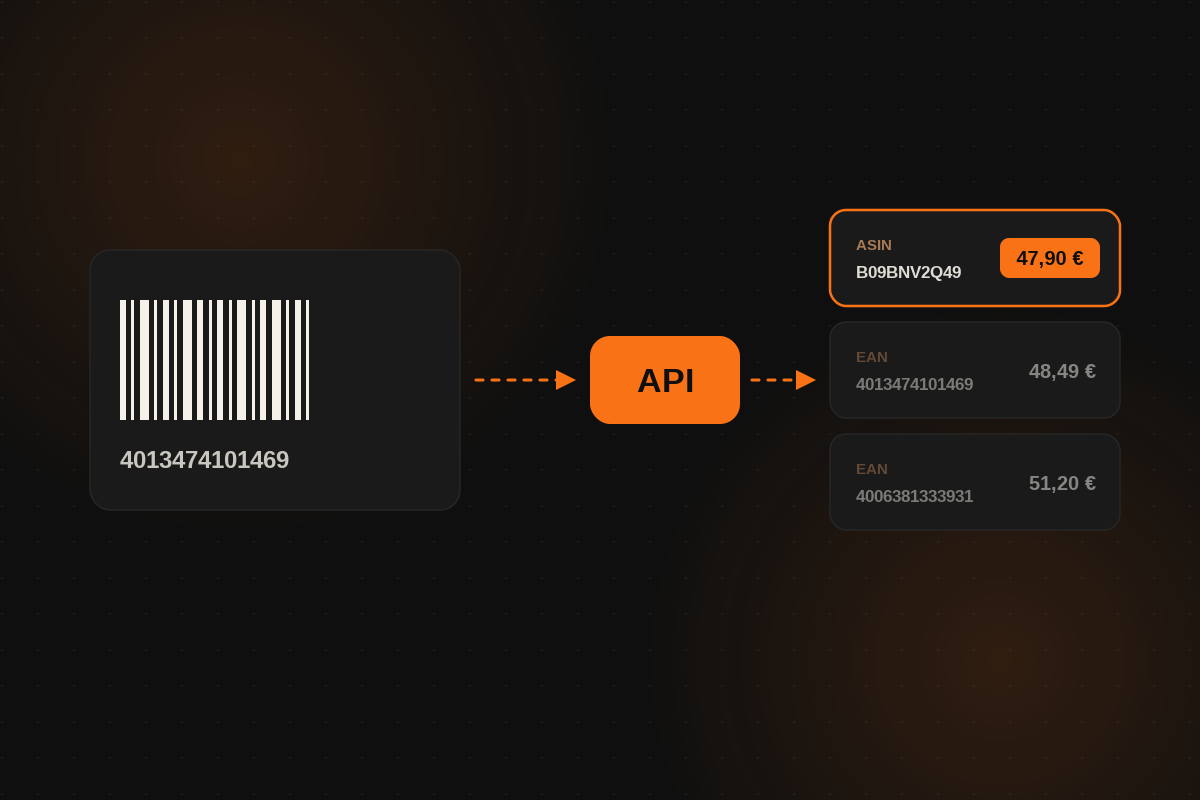
Each offer comes with merchant, price, shipping, total and availability, in the same JSON schema for every marketplace.
* One credit is one successful request (product found or not found) on any supported platform. Example: one batch on Idealo with 100 queries = 100 credits. Monthly credits expire at the end of the billing period. Pay-as-you-go credits do not expire.
Supported marketplaces
One API key and one JSON schema for every source. Look up by barcode or by the source’s own product ID.
Australia, Belgium, Brazil, Canada, Egypt, France, Germany, India, Ireland, Italy, Japan, Mexico, Netherlands, Poland, Saudi Arabia, Singapore, South Africa, Spain, Sweden, Türkiye, United Arab Emirates, United Kingdom, United States
Google Shopping API
30 countries
EAN/GTINcatalog ID
Show countries
Australia, Austria, Belgium, Brazil, Canada, Chile, Czechia, Denmark, Finland, France, Germany, Greece, Hungary, India, Ireland, Italy, Japan, Luxembourg, Mexico, Netherlands, Norway, Poland, Portugal, Romania, South Africa, Spain, Sweden, Switzerland, United Kingdom, United States
bol.com API
2 countries
EAN/GTINbol.com product ID
Show countries
Belgium, Netherlands
Klarna API
13 countries
EAN/GTIN
Show countries
Austria, Denmark, Finland, France, Germany, Ireland, Italy, Netherlands, Norway, Spain, Sweden, United Kingdom, United States
PriceRunner API
13 countries
EAN/GTIN
Show countries
Austria, Denmark, Finland, France, Germany, Ireland, Italy, Netherlands, Norway, Spain, Sweden, United Kingdom, United States
What teams use the Price API for
Repricing
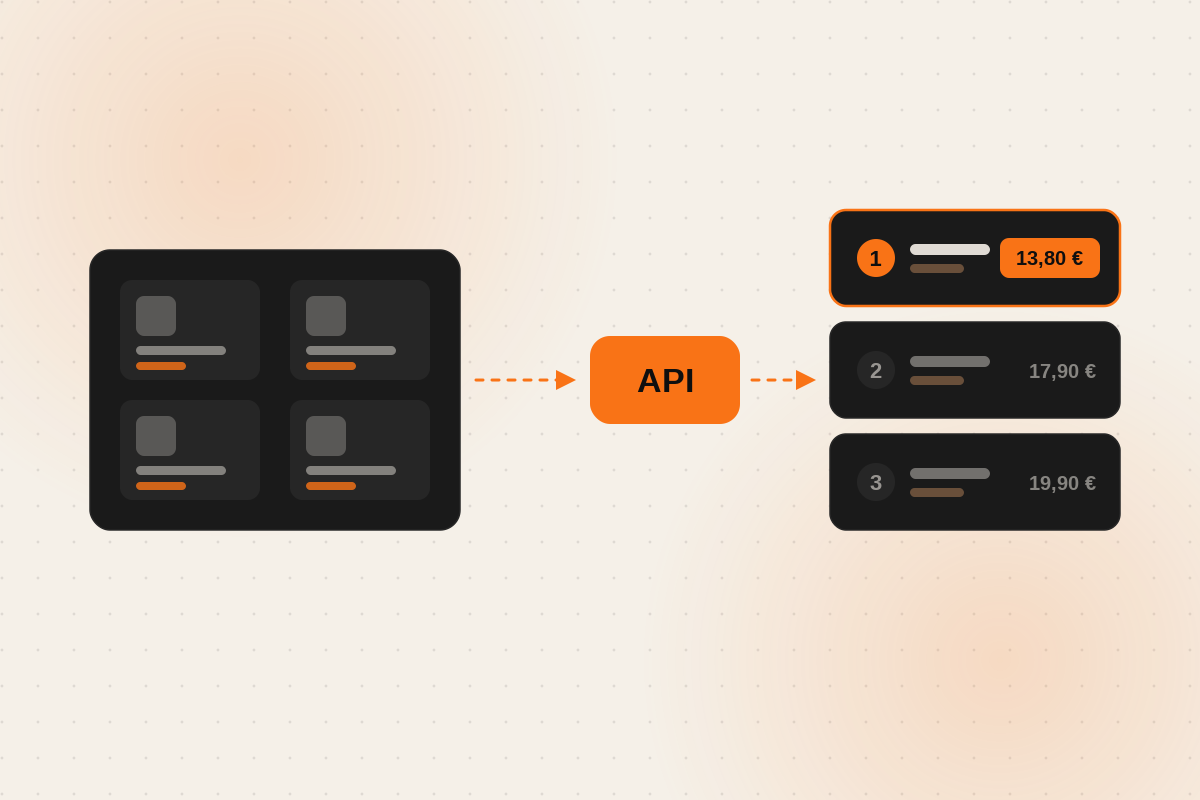
Competitor prices as input for your own pricing rules, for example to reach position 1 on Idealo without dropping below your margin.
Official marketplace interfaces rarely show you the competition. An overview.
Option
What data
Marketplaces
What it takes
PricePirate Price API
Every offer for a product: merchant, price, shipping, availability
Idealo, Amazon, Google Shopping, Klarna, PriceRunner, bol.com
One API key, no infrastructure
Idealo PWS (merchant interface)
Your own offers only, no competitor prices
Idealo
Idealo merchant contract
Amazon Creators API (formerly PA-API 5)
Amazon catalog data, only for promoting Amazon products
Amazon
Amazon Associates account with qualifying sales
Your own scraper
Whatever you extract yourself
Rebuilt for each marketplace
Proxies, bot detection, ongoing maintenance
Price API FAQ
What to know before your first query.
How much does the Price API cost?
Each query costs one credit, regardless of how many offers it returns. found and not_found results are billed; failed lookups are refunded. Pay as you go starts at $55 for 10,000 credits with no subscription; monthly plans start at $220. New accounts get 100 free credits, no payment details required.
Which marketplaces and countries are supported?
Idealo, Amazon, Google Shopping, Klarna, PriceRunner and bol.com, each in several countries. The full list is above under “Supported marketplaces”. We connect further sources for enterprise customers on request.
How fresh are the prices?
Every query fetches the marketplace live; there is no cached dataset. Results are usually ready within one to two minutes.
How many EANs can I send per request?
A job accepts 1 to 1,000 queries. Split larger catalogs into several jobs; you can check your concurrency and daily limits any time with GET /api/account.
Do I need an Idealo or Amazon merchant account?
No. All you need is a PricePirate API key. The official merchant interfaces manage your own offers; the Price API returns the offers of every merchant.
What format is the data in?
As JSON with one schema for every marketplace, or as CSV with one row per offer. The API documentation describes every field.
Start with 100 free credits
Create an API key, send your first EANs, fetch JSON or CSV. No payment details required.
n8n Price Tracker: Competitor Price Monitoring by EAN
Build a price tracker in n8n with the verified PricePirate node: competitor price monitoring by EAN on Amazon, Idealo and Google Shopping, no web scraping.
October 19, 2026
Amazon Price API: Get Amazon Prices by EAN After the End of PA-API 5
PA-API 5 has been shut down, and the Creators API is only for associates with sales. The remaining ways to get Amazon prices by EAN or ASIN as JSON.
September 15, 2026
Google Shopping API: Merchant API or Price Data by EAN?
The Content API has been shut down, and the Merchant API only manages your own products. How to get every merchant's Google Shopping prices by EAN as JSON.