People who search for a “Google Shopping API” mean one of two things. Either they want to get their own products into Merchant Center automatically, or they want to know what every other merchant charges for a product on Google Shopping. For the first there is an official interface, the Merchant API. For the second there isn’t.
This article explains both routes: what the Merchant API can and cannot do, what to do after the end of the Content API for Shopping, and how to get every merchant’s Google Shopping prices by EAN, with a price API for Google Shopping, Idealo and Amazon.
Content API for Shopping: shut down since August 2026
For years, the Content API for Shopping was the standard interface for sending product data to Google Merchant Center. According to Google’s release notes, it was shut down on August 18, 2026. Since September 1, 2026, requests have increasingly been failing. Its successor is the Merchant API.
If you maintain your feed through a shop integration such as Shopify’s Google & YouTube channel, or through file uploads in Merchant Center, you usually don’t have to do anything. Custom integrations and feed tools that called the Content API directly are affected. Google maintains a separate migration guide for them.
What the Merchant API delivers
The Merchant API is a management interface for your own Merchant Center account. It sends products, prices, inventory and promotions, and returns reports on your performance. Two reports from the market insights area matter for the price question:
- Price competitiveness (
price_competitiveness_product_view): for products you sell yourself, Google gives a benchmark price. According to the Merchant Center Help, that is an average price across all merchants who sell a product with the same GTIN through Shopping ads and organic listings. It requires a valid GTIN.
- Best sellers (
best_sellers_product_cluster_view): the best-selling products and brands on Google, by category and country.
That is useful for assessing your own price position. For everything else it has clear limits:
- You only see products that you carry in Merchant Center yourself.
- You see an average: no individual merchants, no shipping costs, no availability.
- Access to market insights has minimum requirements, according to Google, and use of the data is subject to the Merchant Center terms.
If you want to know which merchant currently offers a product at the lowest price, at what total price, and whether it is in stock, Google provides no public interface for that.
The options at a glance
| Option | What you get | What it takes | Limits |
|---|
| Merchant API | Your own products, reports, benchmark price | A Merchant Center account | No individual competitor offers |
| Merchant Center (interface) | The same reports to view and export | A Merchant Center account | Manual, your own products only |
| Your own scraper | Whatever you extract yourself | Proxies, bot defenses, maintenance | Breaks with every page change |
| PricePirate Price API | Every offer for a product by EAN | An API key | Coverage depends on the country |
A scraper for Google Shopping is not a small project. Google detects automated requests reliably, the result pages are rebuilt all the time, and prices depend on country and language. What that means in day-to-day operation is described in Price Scraping: Build Your Own Scraper or Use an API?.
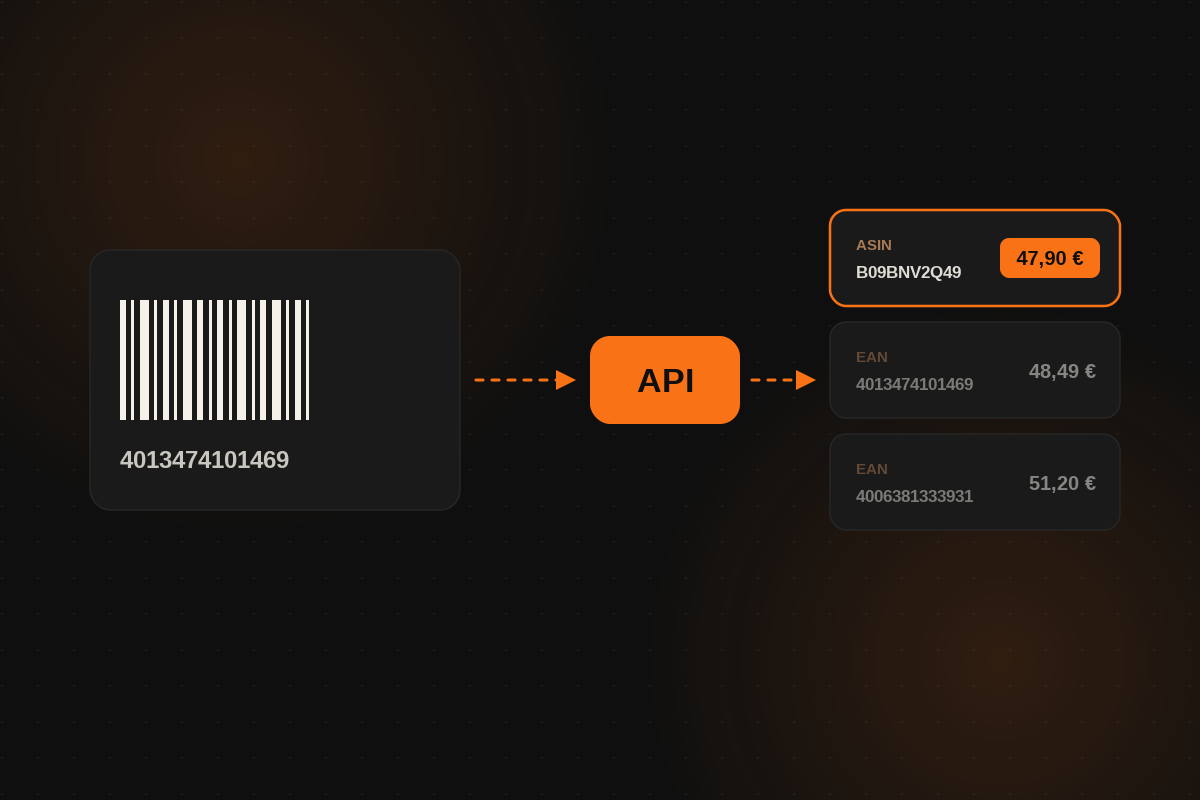
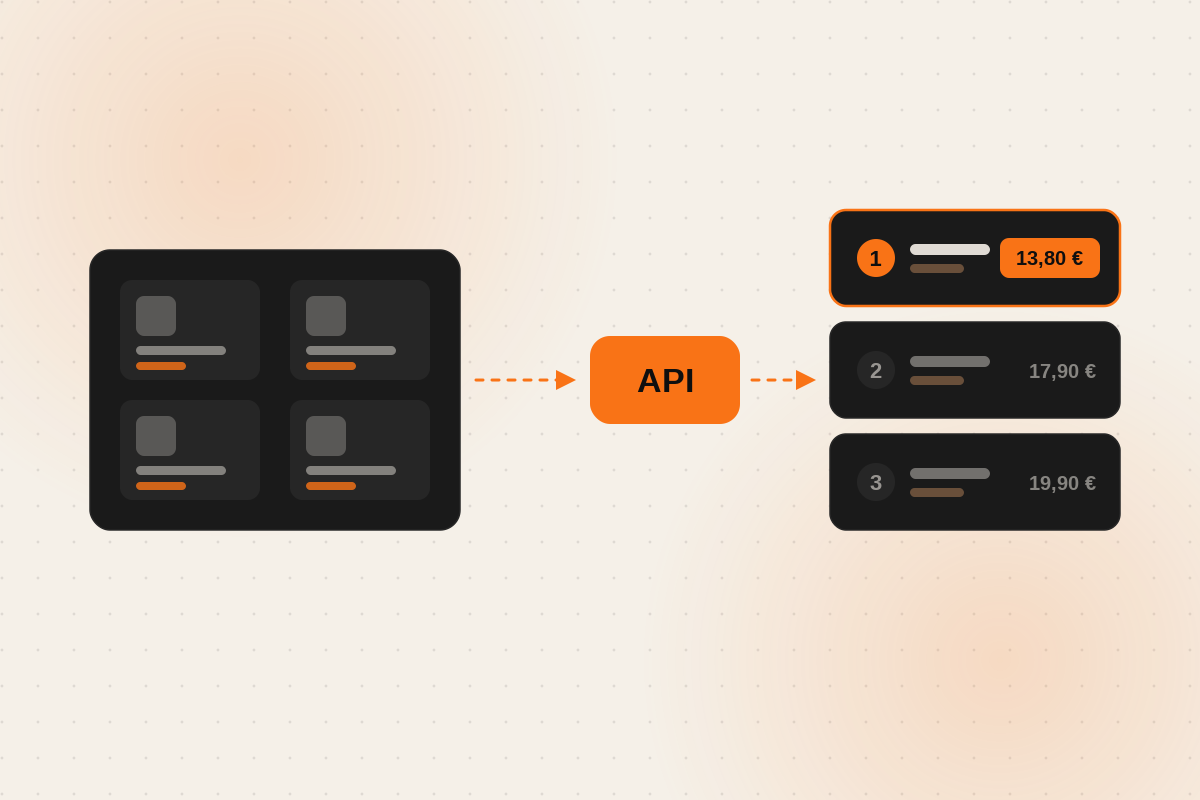
The PricePirate Price API queries the Google Shopping product page live and returns every offer as JSON or CSV. You need neither a Merchant Center account nor your own products in a feed. Two operations are available:
| Operation | Input | Typical use |
|---|
search-by-gtin | EAN / GTIN / UPC | Look up products by barcode |
search-by-id | Google catalog ID | Re-query known product pages on a schedule |
30 countries are supported, including Germany, Austria, Switzerland, France, the Netherlands, the UK and the US. One job accepts up to 1,000 EANs:
curl --request POST \
  --url https://api-v2.pricepirate.com/api/jobs \
  --header 'Content-Type: application/json' \
  --header 'x-api-key: <api-key>' \
  --data '{"source":"google-shopping","operation":"search-by-gtin","country":"de","queries":["4013474101469"]}'
You poll the job until it is completed. For our example, a foot care cream with the EAN 4013474101469, 29 offers came back. The first one looks like this, unedited:
{
  "platform_data": {},
  "title": null,
  "shop_type": null,
  "marketplace_name": null,
  "shop_review_rating": null,
  "shop_review_count": null,
  "condition": "new",
  "free_return": null,
  "voucher": false,
  "availability_text": "InStock",
  "classification": "product_page_match",
  "confidence": "high",
  "sellerId": "Sonjas Kosmetikstudio",
  "shop_name": "Sonjas Kosmetikstudio",
  "shop_url": "https://www.sonjas-kosmetikstudio.de/produkte/15041-gehwol-fusskraft-soft-feet-soft-feet-butter-enchinacea.html?srsltid=AU7gw4Wpf8afEHzmtGfs5_P6H3K78sGnAbFtEXk9y-8nB-K8ORheRZSRTEk",
  "position": "1",
  "currency": "EUR",
  "price": 9.9,
  "shipping": 3.9,
  "total": 13.8,
  "availability_code": "in_stock"
}
For each offer you get the merchant, item price, shipping, total price and a uniform availability_code. At product level you also get the name, the Google catalog ID, the number of offers, and the lowest, highest and average price. If you would rather work in Excel or a data warehouse, fetch the same job as CSV with one row per offer.
Each query costs one credit, no matter how many offers come back. Pay as you go starts at $55 for 10,000 credits, which is just over half a cent per EAN, and new accounts get 100 free credits. All plans are on the Price API page.
What the data shows in practice
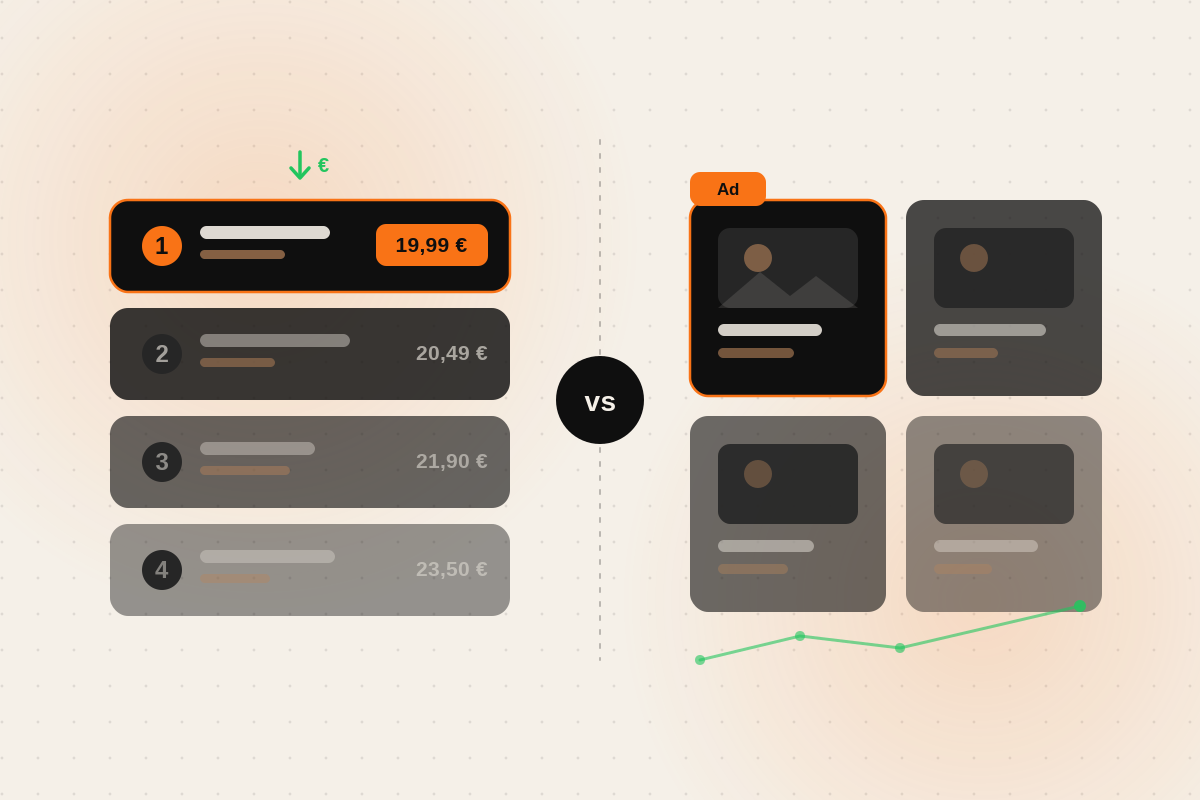
We queried the same EAN on Idealo at the same time. The difference is clear:
| Google Shopping | Idealo |
|---|
| Offers | 29 | 13 |
| Lowest total price | €13.80 | €17.29 |
| Highest total price | €73.87 | €34.56 |
Three things stand out, and they apply well beyond this example:
- Google Shopping also lists foreign shops. Several offers came with €25 to €39 shipping. If you only compare the item price, you draw the wrong conclusions. Calculate with
total, not price.
- Google groups more generously than Idealo. The URL of the cheapest offer points to a different scent variant than the product we searched for. Google still assigned it to the same product page. For a pricing rule, it pays to check low outliers before you react to them.
- Availability is part of the picture. 2 of the 29 offers were out of stock. A competitor who cannot deliver is no benchmark for your pricing strategy.
Why Idealo and Google Shopping differ so much as channels is covered in Idealo vs. Google Shopping. What the same query looks like for Amazon is in Amazon Price API: Get Amazon Prices by EAN.
Frequently asked questions
Yes, for merchants: the Merchant API, the successor to the Content API for Shopping. It manages your own products in Merchant Center. It does not return individual offers from other merchants.
Can I still use the Content API for Shopping?
No. Google shut it down on August 18, 2026, and since September 1, 2026, requests have increasingly been failing. Custom integrations have to be moved to the Merchant API.
Can I see competitor prices with the Merchant API?
Only indirectly. The price competitiveness report gives a benchmark price for your own products, which is an average across all merchants. It does not show individual merchants, shipping costs or availability.
Do I need a Merchant Center account for the PricePirate Price API?
No. You only need a PricePirate API key. The products don’t have to be in your own feed either.
Every query hits Google Shopping live; there is no cached dataset. Results are usually ready after one to two minutes.
Conclusion
The Merchant API is the right way to manage your own products in Google Shopping, and after the end of the Content API it is the only official one. For a look at the competition it only gives you an average. If you need the individual offers with merchant, total price and availability, ideally next to Idealo and Amazon, a price API is the fastest way there:
PricePirate is an independent product of UCX Media and has no business, partnership, or other affiliation with Google LLC.