
Shop-wide defaults
You set the defaults for all listings centrally on the Settings page:- Daily synchronizations per listing: the default for newly connected listings. Already-connected listings keep their value.
- Timezone: always applies shop-wide (default:
Europe/Berlin). - Daily time window: the period over which synchronizations are spread evenly (default: 05:00 to 23:00).
- Boost range and boost factor: schedule synchronizations more densely within a period, while the daily total stays the same.
Per-listing settings
Individual listings can deviate from the shop default. You open a listing’s Synchronization settings in the Product settings — through the button next to an active row, or the Edit menu for a selection of several products.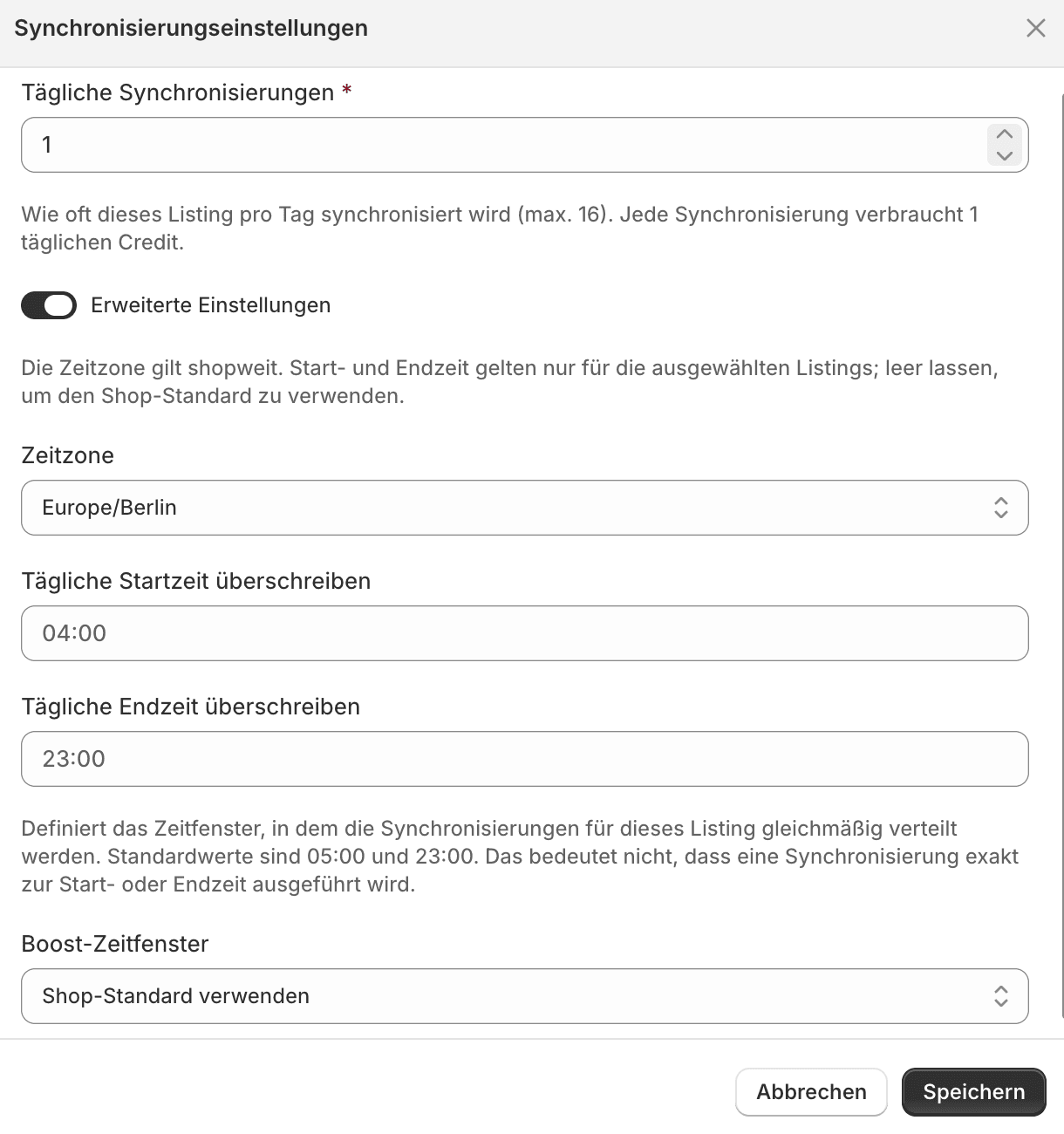
A listing's synchronization settings with the advanced settings revealed