
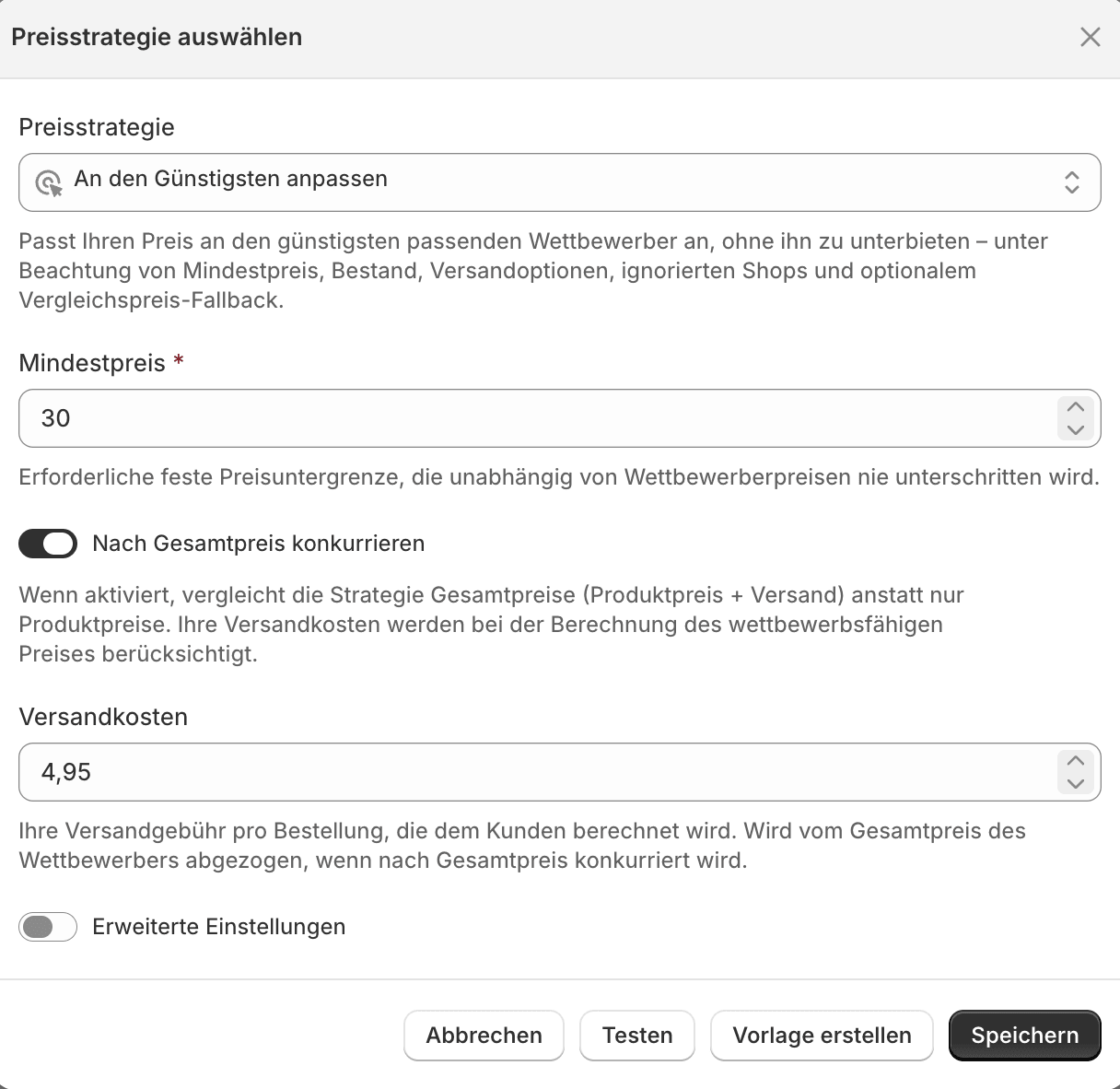
Select and configure a strategy
The two strategies
Your shop has two competitor-based strategies. Both track the cheapest eligible competitor.Match The Cheapest
Matches your price to the cheapest eligible competitor without undercutting it. Stay competitive without starting a price war.
Beat The Cheapest
Undercuts the cheapest eligible competitor by a set amount. Deliberately take the cheapest position.
Three variants per strategy
Each of the two strategies comes in three variants that differ only in the price floor and the reset behavior:Depending on your shop, additional strategies may be available. The two described above — with their three variants — are enabled for every shop.
Before saving
- Check the settings, especially the minimum and maximum price.
- Test the strategy against current listing data before you enable it.
- Use templates when several products should share the same logic.