
Dialog layout
The dialog has two areas:- Base settings are always visible. These typically include the minimum price, the Compete on total price option, and the shipping cost.
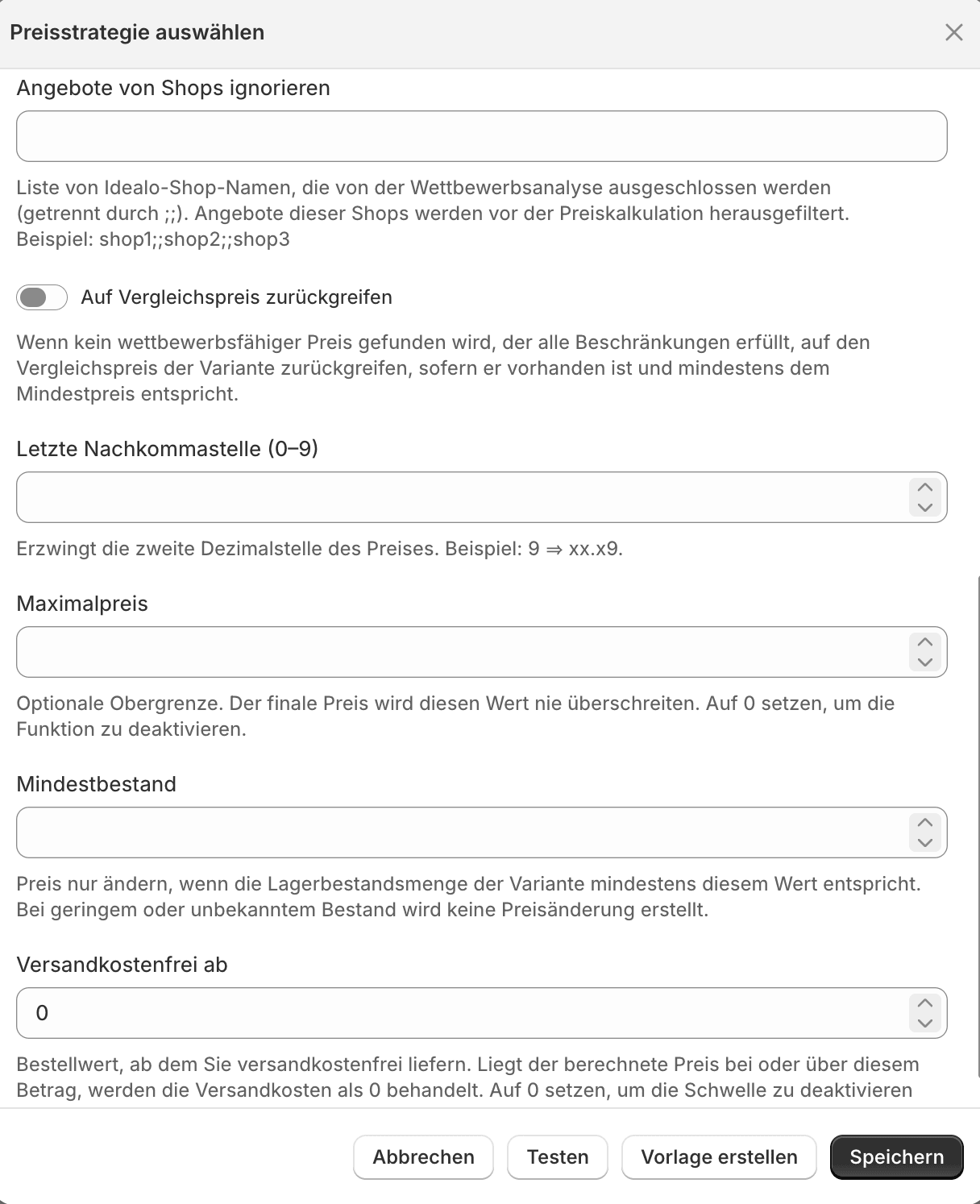
- Advanced settings open via the toggle of the same name. Here you find fine-tuning such as ignored shops, maximum price, minimum stock, or the last decimal.
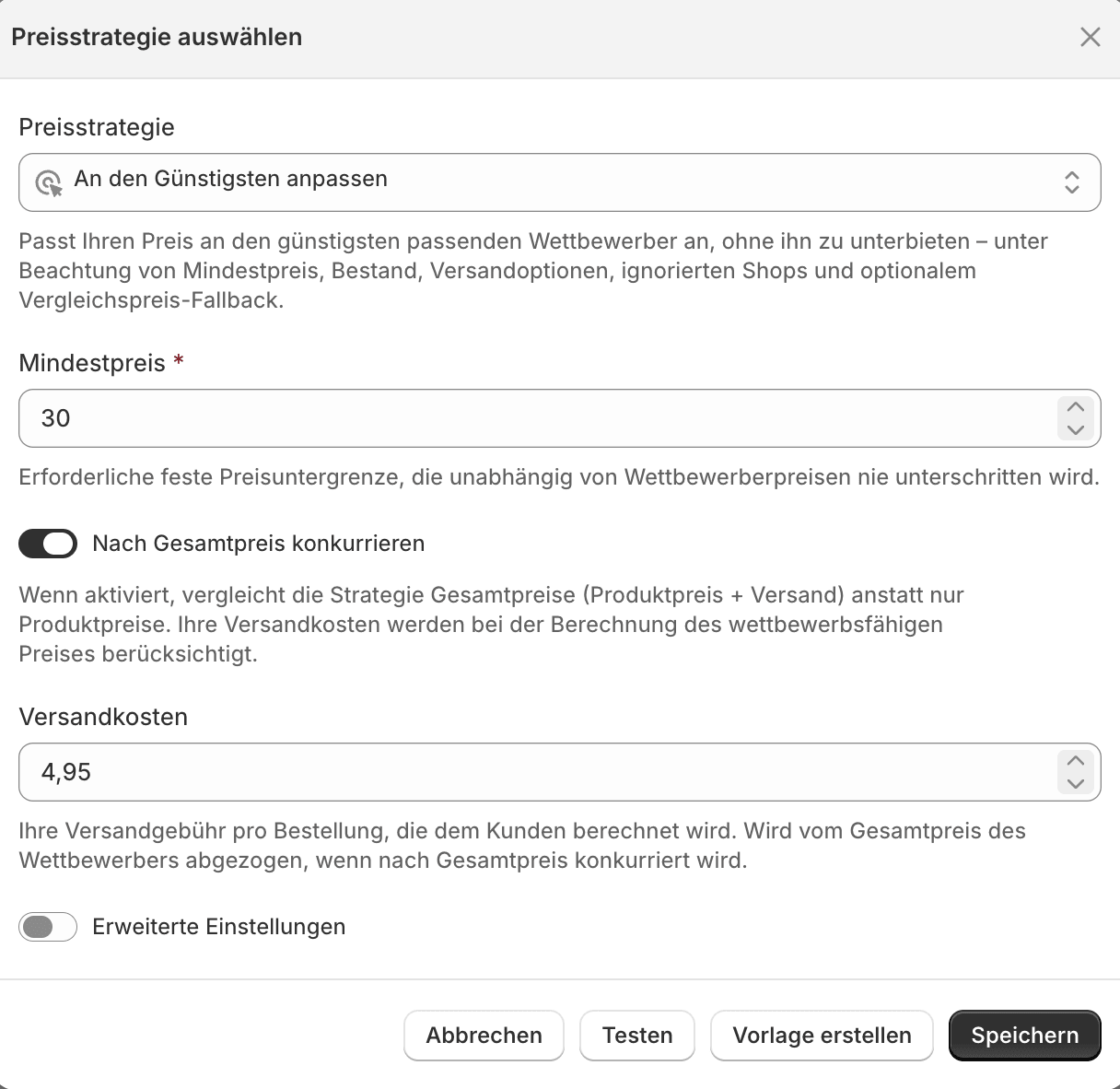
Base settings (left) and advanced settings (right)
Market for price changes (per variant)
In shops with more than one configured market, a Market for price changes selector appears at the top of the dialog. With it you override the shop-wide market for price changes for this one variant. The first option is the shop default. Choose it and the variant follows the shop-wide setting again. In shops with only one market the selector is not shown.If the selected market has no connected listing for this variant, the next price change is recorded as Invalid. The row’s tooltip names the reason, see Review price changes.
Guardrails
Regardless of the strategy, a few settings keep automatic price changes under control:- The minimum price (or the calculated margin floor) is never undercut.
- The maximum price is never exceeded.
- The minimum stock prevents price changes when stock is low or unknown.
Where do I find each field?
The full meaning of every field is on the page of the respective strategy. The fields shared by all strategies are described there under Common settings.Match The Cheapest
Fields and variants of the Match strategy.
Beat The Cheapest
Fields and variants of the Beat strategy.